
Customer support

Get help with MyFAQ, Microsoft Teams and agent plugins through in-app chat, feedback or email.

Ask the in-app AI assistant

Sign in to the web application and open the support chat in the bottom-right corner. The AI assistant can help you understand features and find guidance.

If you need further assistance, or cannot sign in, contact us by email below.
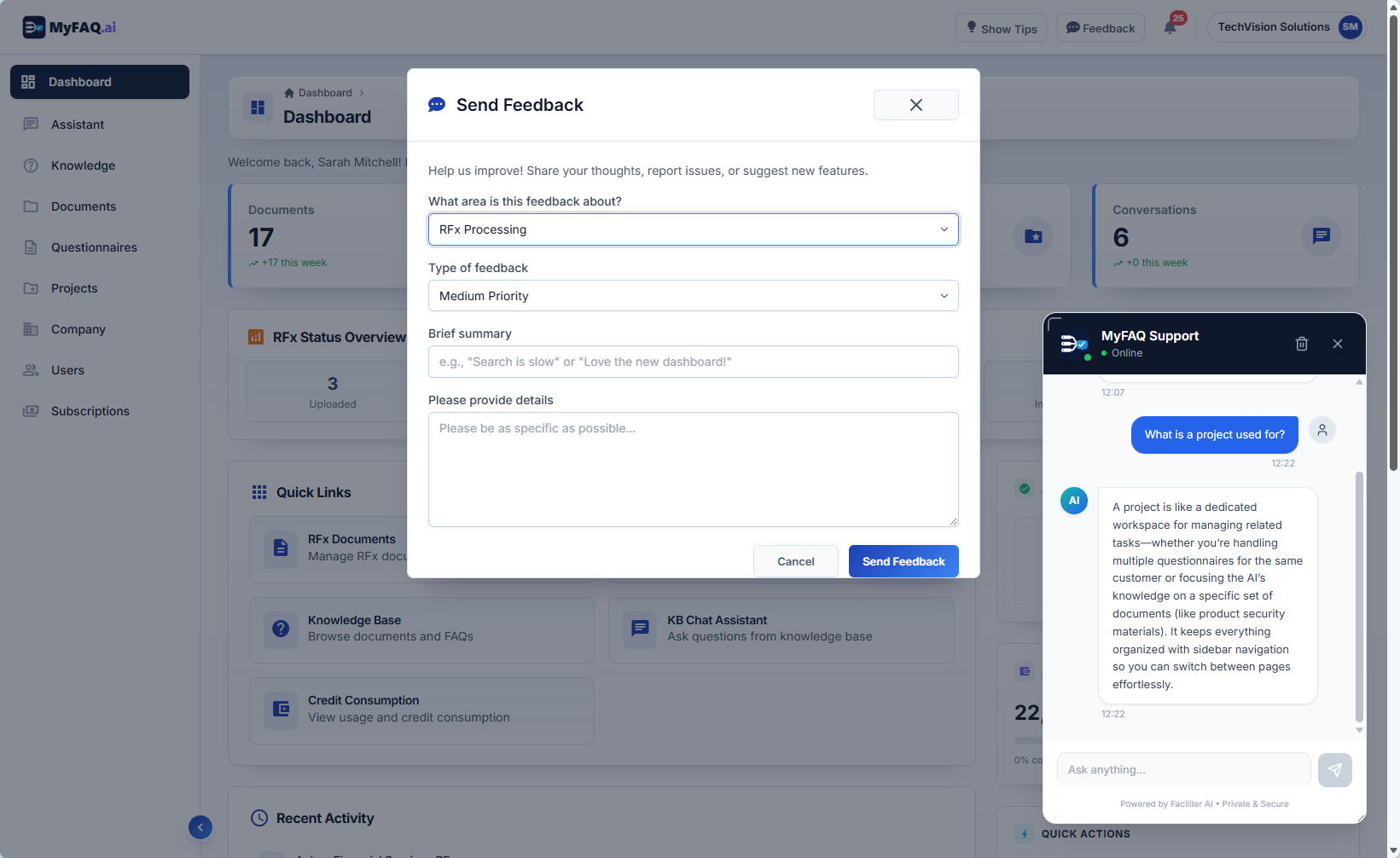
Report a problem or share feedback

In the web application, select Feedback in the top bar to report a problem or suggest an improvement. Choose a category and describe what happened.

Open My Feedback in your user menu to track the status of your submissions.

Ask the in-app AI assistant; Report a problem or share feedback
Ask the in-app AI assistant · Report a problem or share feedback

Email support

For sign-in, installation, account or integration issues, email our support team. You do not need to sign in to contact us.

Contact Us

What to include in your request

  • The affected product: MyFAQ web application, Microsoft Teams app or agent plugin.
  • Your organisation, a description of the issue and the steps to reproduce it.
  • The error message, when the issue occurred and a screenshot if useful.

Do not include passwords, API keys or confidential documents in your request.